Changing the Key
The current key is shown below the song title:

Click on it to show the Key menu:
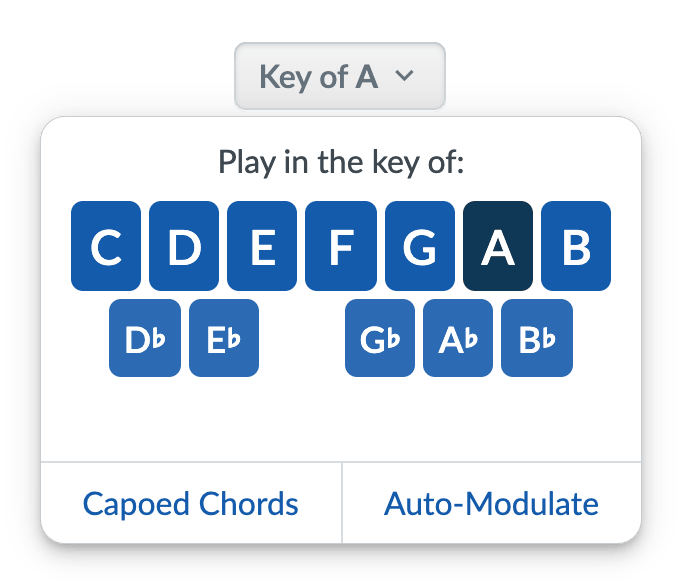
You can click on any of the keys to instantly transpose the song into that key. Strum Machine will remember your preferred key for each song.
The “default” key (the one used when the song was added to Strum Machine) will be shown if you’ve changed the key to something else.
At the bottom of the key menu are buttons to enable two optional features:
-
Capoed Chords: This lets you see chords in a different key than they are played, like when you’re using a capo.
-
Auto-Modulate: This will automatically change the key after each rep of the song according to your instructions.
Q&A
- How is the default key chosen?
It’s set to match the customary key for fiddle tunes as much as possible. It is set arbitrarily for singing songs.
- How can I change between a major and minor key?
Changing a major song to minor (or vice versa) involves changing the chords as well, and since this is done differently depending on the song, it must be done manually. You can duplicate and edit the song, change the key to minor in the editor, and then update the chords as needed.