Auto-Modulate
Strum Machine can help you practice playing songs in multiple keys with the Auto-Modulate feature. Enable it through the key menu:
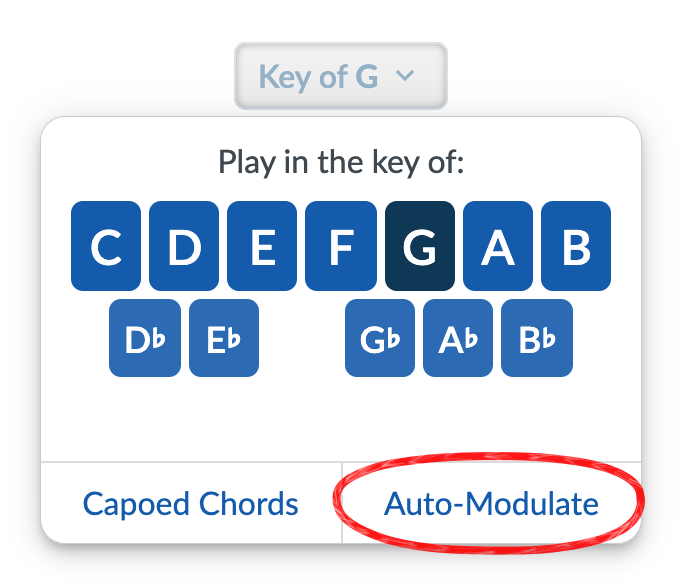
By default, it will automatically raise the key by one semitone every time the song repeats. You can customize this with the settings:
- Cycle through: either all 12 keys, the 7 “natural” keys (with or without B flat), or a custom sequence that you type in.
- By modulating: either up or down one key at a time, or around the circle of fifths in either direction.
- After: either every single repetition or after a given number of reps.
Consider heading over to Playback & BPM (which is in the settings menu under the Song Playback section) and enabling Revert to previous key after stopping. Strum Machine will then set the key back to the starting key after stopping a song.
(What’s that other option in the Key menu, you ask? See Capoed Chords.)