Saving a band preset
By creating your own band presets, you can quickly apply your favorite band settings to any song.
The first step is to get the band sounding the way you like it, by going into each instrument and changing its settings to your liking. You’ll end up with a Custom Band:
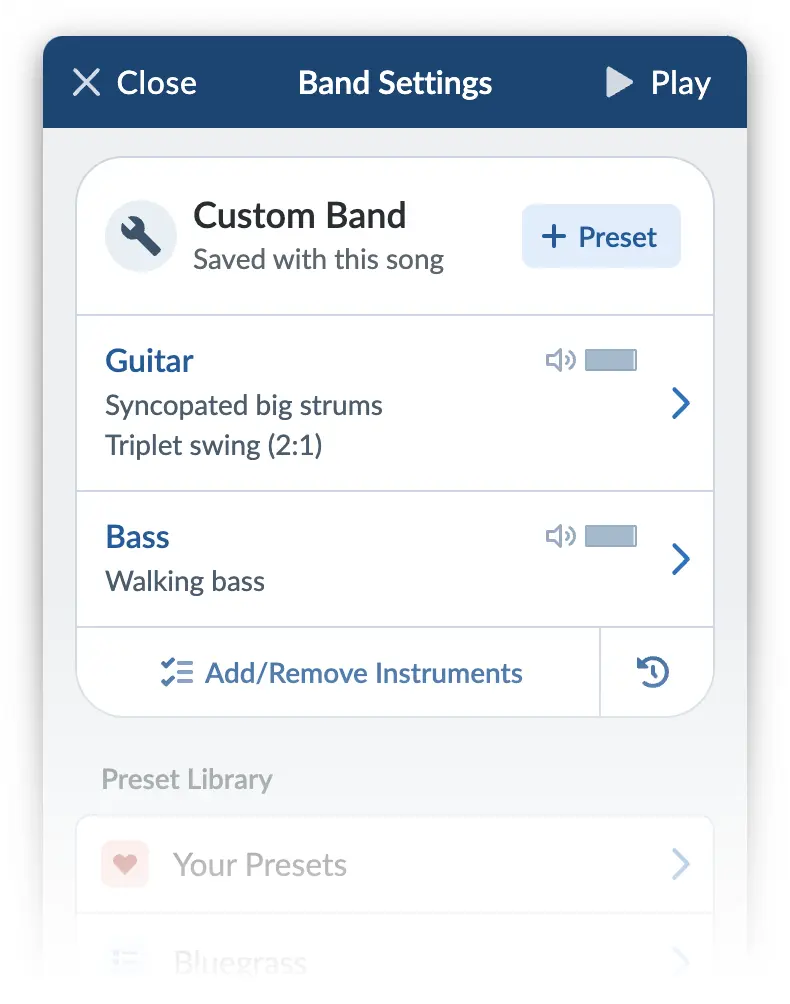
Click that ”+ Preset” button in the top-right corner to add this band as a preset to Your Presets.
Once you give your preset a name and save it, it will be available for all other songs that share the same time signature.
You can edit your preset at a later date if you need to. Any song with your preset applied to it will automatically be updated.