App Settings
This is where you can adjust your app settings. If you’re looking to make changes to your account, app appearance, playback settings, or even experimental features, this is where you’ll find most everything.
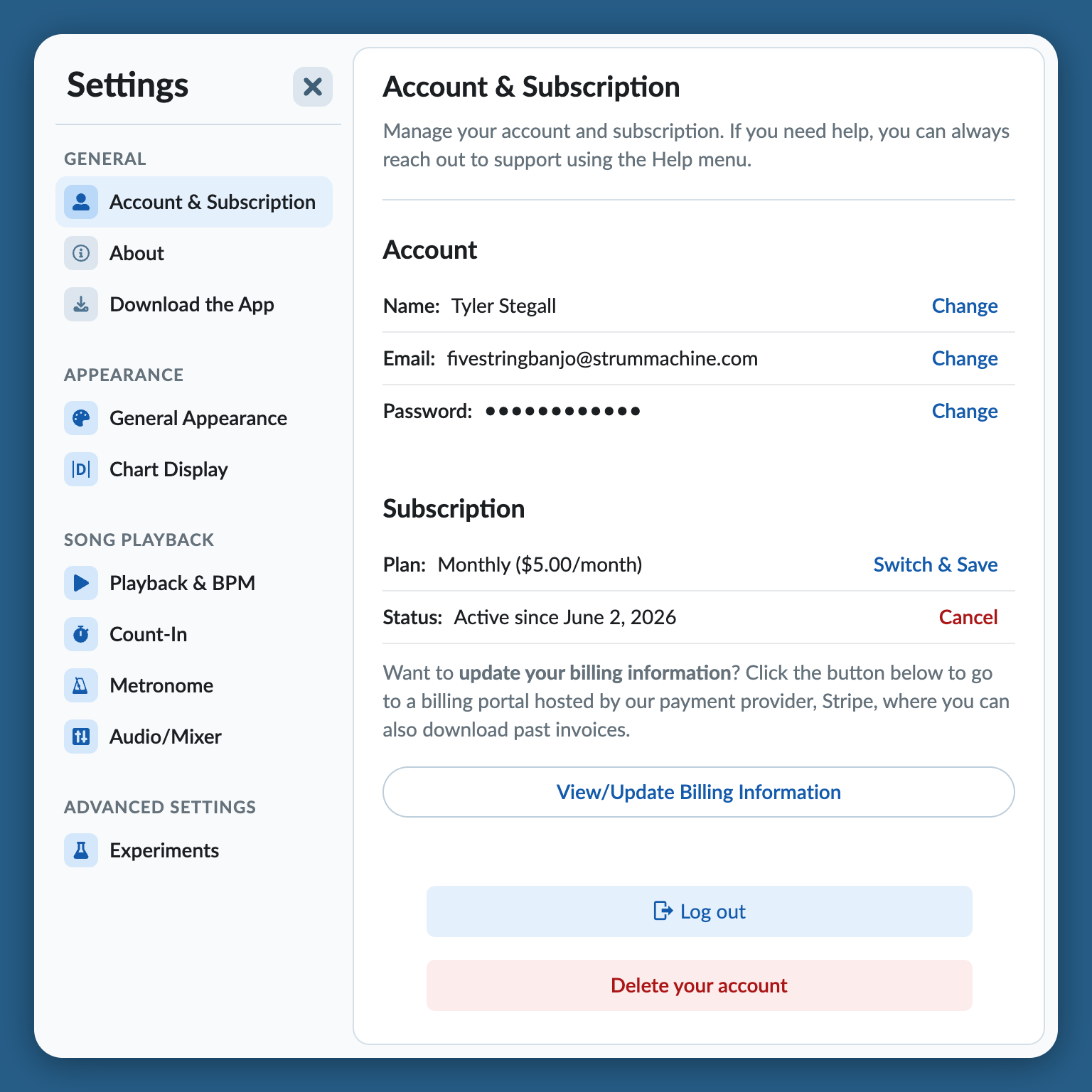
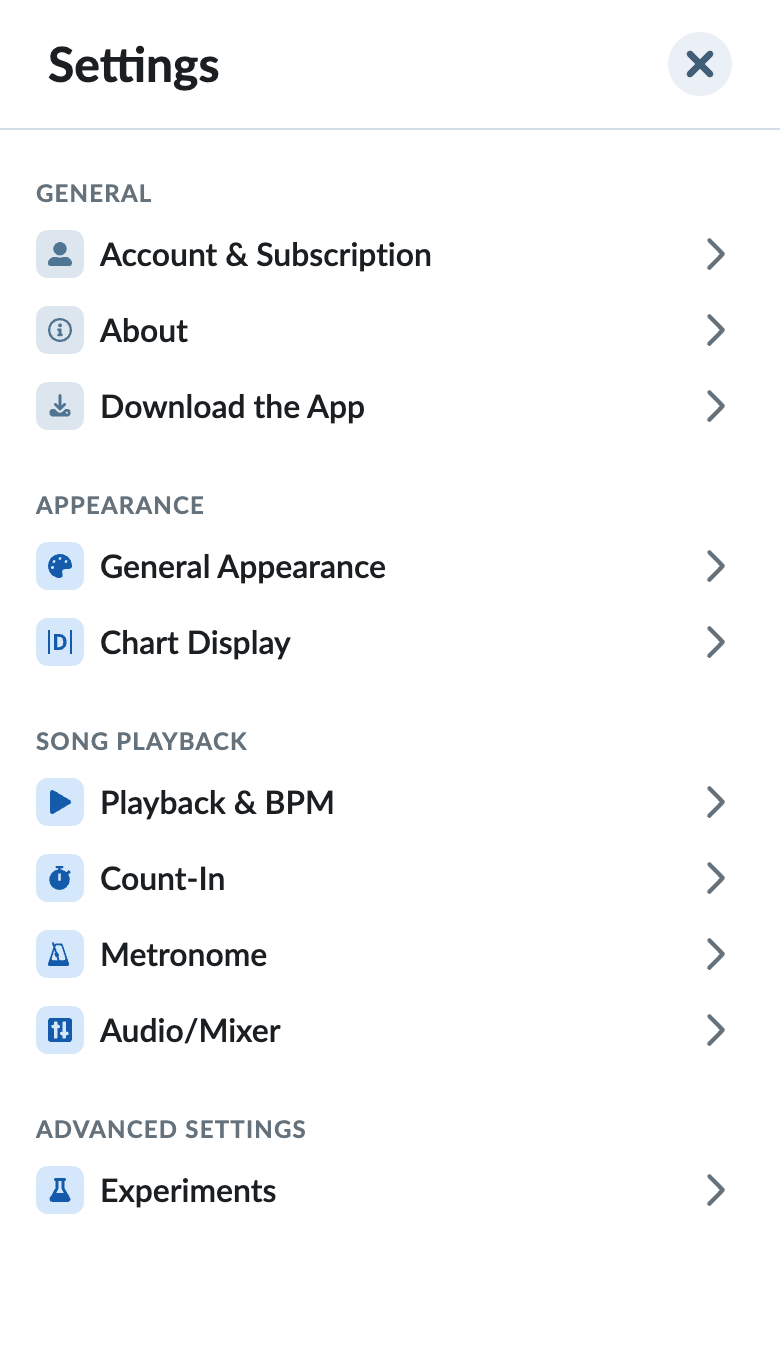
App Settings functions a little differently on smaller screens:
Settings Categories
Account & Subscription
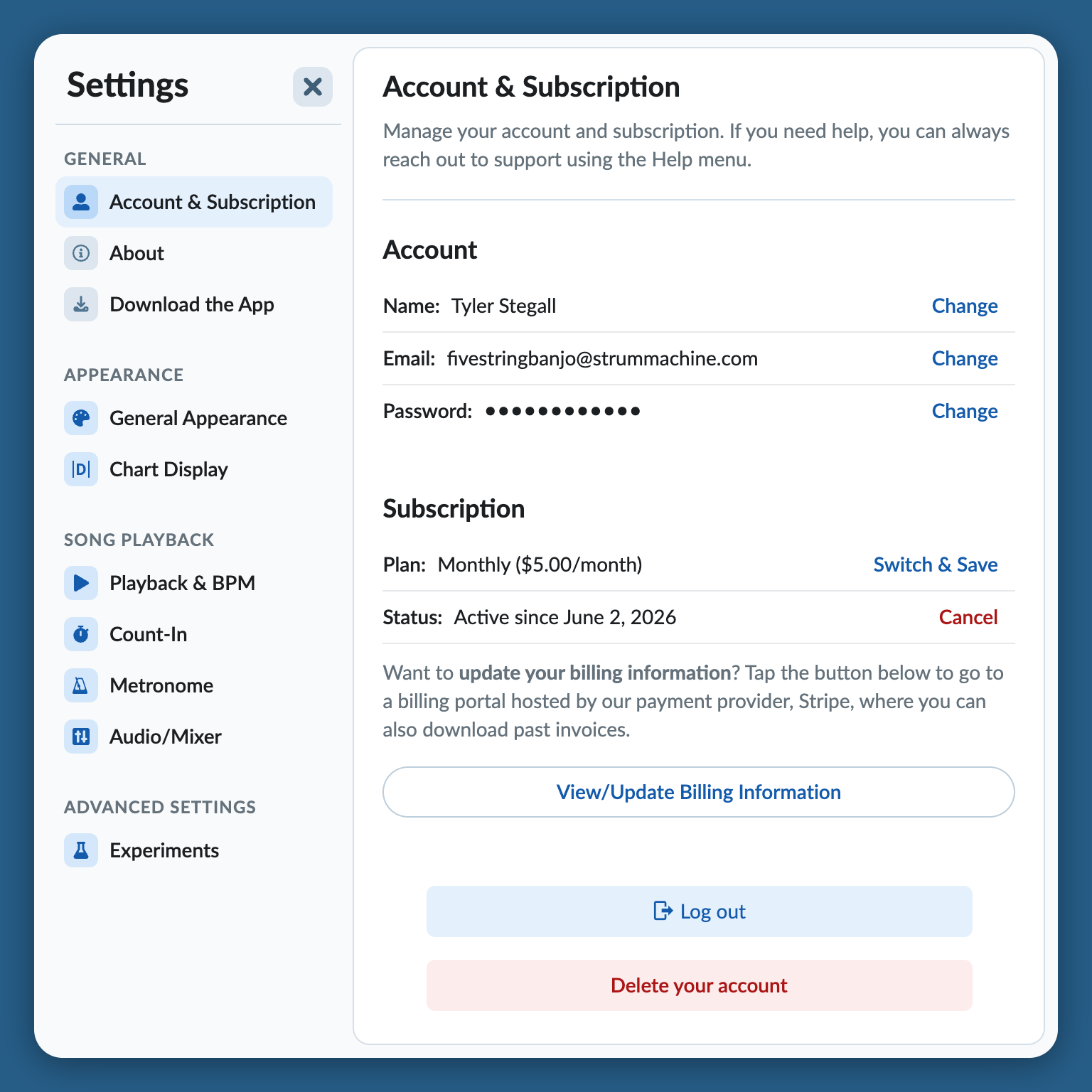
This is where you can manage your account and subscription. If you need further assistance, reach out to support.
About
Catch up with the recent news and release notes. This is a great way to learn about new improvements and features.
Download the App
Your Strum Machine subscription can be used on any/all of your devices. Downloading the app is recommended for the best experience, especially on phones and tablets. All apps have offline support built in.
General Appearance
Change the overall appearance of Strum Machine. Expect more features here in the future.
Chart Display
These settings control how the chord chart is rendered. Most of these settings can be edited without leaving the song page, but to see all of the settings that you might not need to frequently change, go here.
Playback & BPM
Customize Strum Machine’s behavior when it comes to song playback.
Count-In
Change the count-in’s length (number of bars), last audible beat (by clicking on a beat), sounds, and more.
Metronome
Change the sound of the metronome that you can optionally hear along with playback.
Audio/Mixer
These global volume and pan settings apply to all songs, except when overridden in a song’s band settings. Mute affects all songs regardless of band settings. You can also access these settings in the playback bar.
Experiments
A place to explore some experimental features. These features change, or are removed from time to time.