Searching the Song Library
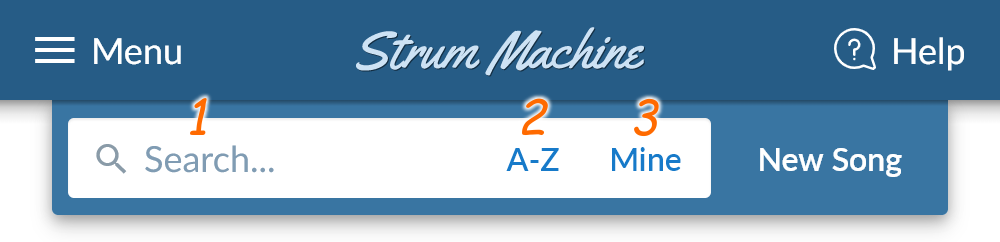
At the top of the home screen, you’ll find the song search bar:
-
To quickly find a specific song, click the search box and type in part of the song title. (Usually you’ll only need to type a few letters before the song you want appears in the filtered list.)
-
To browse the list by first letter, click the “A-Z” button. Alternatively, type a single letter into the search box.
-
To view a list of your songs (ones you’ve created or edited), click the “Mine” button.
Pro tip: On a computer, pressing / brings the search box into focus—even if you’re on a song page!